Digital Vehicle Inspection ReportsPre-Trip and Post-Trip Inspections for Fleet Compliance and Safety
Start Tracking NowOverview
The Vehicle Inspection feature in ToolWorks provides a complete solution for Digital Vehicle Inspection Reports (DVIR) — helping fleet operators, drivers, and safety managers ensure compliance with FMCSA regulations while maintaining vehicle safety across their entire fleet.
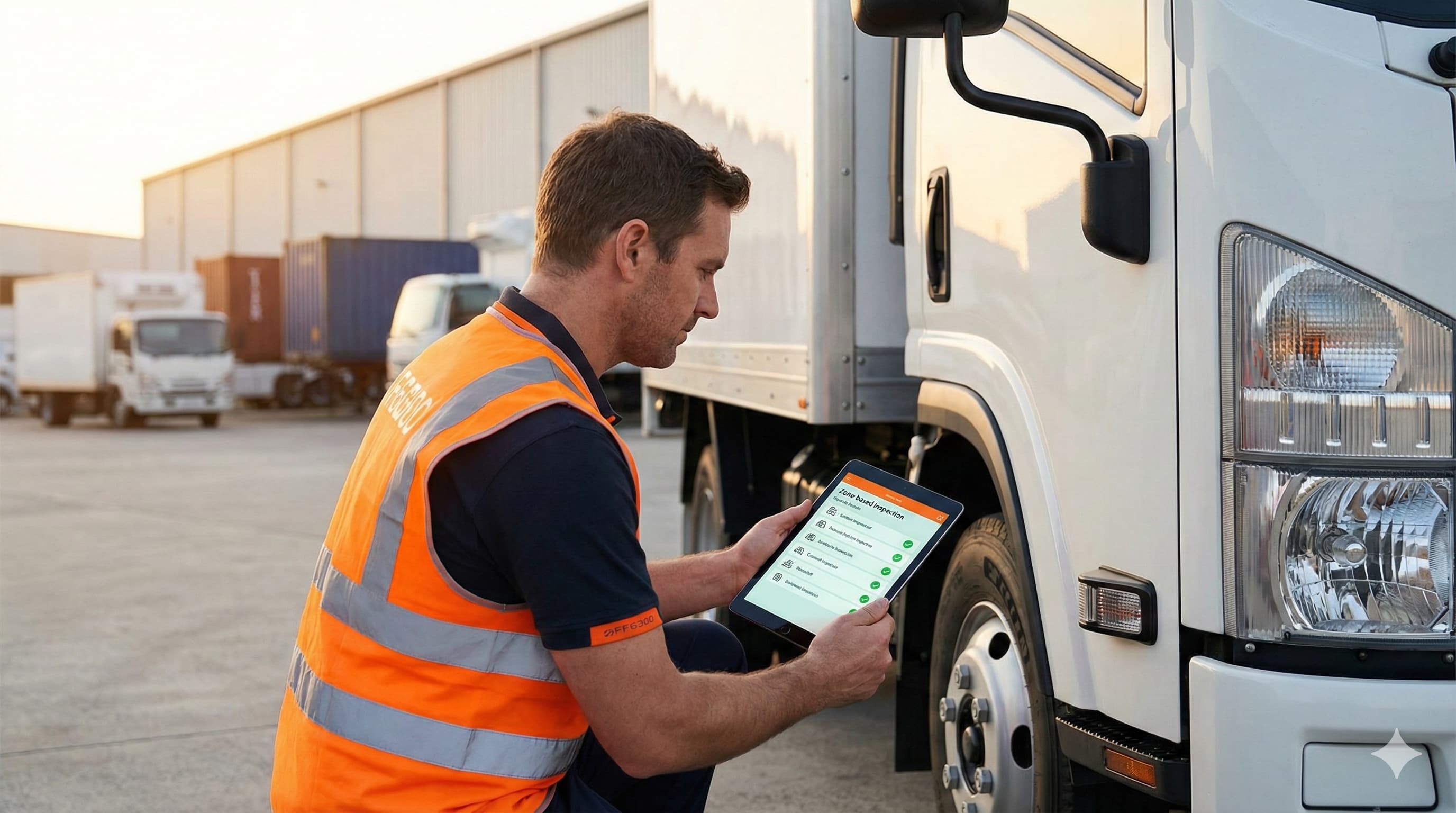
Designed as part of ToolWorks' expanding Fleet Management capabilities, this feature makes it easy to conduct thorough pre-trip and post-trip inspections from any mobile device or web browser. Drivers work through zone-based checklists that match the natural walk-around path, document defects with photos and notes, and certify each inspection with a digital signature.
What sets ToolWorks apart is integrated asset verification. During inspections, drivers can verify that high-value tools assigned to the vehicle are present — ensuring not just that the truck is safe to drive, but that the right equipment is on board before heading to a job site.
Key Highlights
Zone-Based Walk-Around Flow
Instead of presenting a long alphabetical list of items, ToolWorks organizes inspections by physical zones that match how drivers naturally walk around a vehicle:
- Driver Side
- Front Exterior
- Passenger Side
- Rear Exterior
- Cab Interior
- Engine Compartment
Each zone contains specific items to check — tires, mirrors, lights, fluid levels — grouped logically so drivers can work through them efficiently without missing critical components.
Exception-Based Reporting
ToolWorks uses an exception-based approach to speed up inspections while maintaining accuracy. All items default to Pass. Drivers only tap an item when it fails.
This approach reduces the time spent on each inspection while preventing "pencil whipping" — the common practice of mindlessly checking every box without actually looking. When only problems require action, driver attention stays focused on identifying actual defects.
Documenting Failures
When a driver marks an item as failed, ToolWorks captures complete documentation:
- Severity Level — Minor issues that allow continued operation, or major safety defects that take the vehicle out of service
- Failure Reason — Pre-defined options for consistency (e.g., "Low tread depth," "Bulb burned out," "Fluid leak detected")
- Photo Evidence — Capture photos of defects directly within the app
- Comments — Add additional context or notes describing the issue
Administrators can configure which items require photos and comments when failed, ensuring critical defects are always properly documented.
Out of Service Flagging
When a driver marks a defect with Major severity, the vehicle is automatically flagged as Out of Service. This status is visible across the platform — on the vehicle record, in the fleet dashboard, and in reports.
Fleet managers receive an immediate push notification when a critical failure is reported. There is no waiting for someone to check a dashboard or review reports at the end of the day. Critical issues are communicated in real time, enabling rapid response.
GPS and Timestamp Verification
Every inspection automatically captures GPS coordinates and a timestamp when it begins. This creates a verifiable record that the inspection occurred at the expected location and time — essential for compliance audits and liability protection.
Minimum Duration Enforcement
To prevent rushed inspections, administrators can set a minimum inspection duration. If a driver attempts to submit a 50-item inspection in 30 seconds, the system flags it for review. This configurable threshold ensures drivers take appropriate time to actually examine each component.
Asset Verification
For service-oriented businesses — contractors, maintenance crews, field technicians — the vehicle is more than transportation. It is a mobile workshop carrying thousands of dollars in tools and equipment.
ToolWorks includes an Asset Inspection section that lists high-value tools currently assigned to that vehicle. Drivers verify each item is present before hitting the road. If something is missing, it is documented immediately — not discovered hours later at a job site.
This capability is unique to ToolWorks. Competitors focus exclusively on vehicle condition. They have no mechanism for tracking what is inside the vehicle. With ToolWorks, you get complete visibility: the vehicle, its condition, and its contents — all in one inspection workflow.
Driver Sign-Off and Certification
Every inspection concludes with a driver sign-off. The driver reviews the overall inspection status, provides a digital signature, and confirms that the inspection is accurate and complete. This signature serves as the legal certification required by FMCSA regulations.
How It Helps
Pre-trip and post-trip inspections are not optional — they are a legal requirement for commercial motor vehicles. The Federal Motor Carrier Safety Administration (FMCSA) mandates that drivers conduct thorough inspections before and after every trip, documenting the condition of critical safety components.
With ToolWorks Vehicle Inspections, fleet operators can:
- Ensure FMCSA Compliance — Generate complete, auditable inspection records that meet regulatory requirements
- Improve Fleet Safety — Catch defects before they become dangerous failures on the road
- Eliminate Paper Forms — Replace clipboards and filing cabinets with searchable digital records
- Verify Tool Inventory — Confirm high-value equipment is present before dispatching vehicles
- Respond Faster to Issues — Receive real-time notifications when critical defects are reported
- Prevent Rushed Inspections — Enforce minimum duration requirements to ensure thorough reviews
- Maintain Audit Trails — Store GPS location, timestamp, photos, and signatures for every inspection
Mobile-First Experience
Conducting inspections should be fast, intuitive, and work in any field condition. ToolWorks was designed with these principles in mind:
Starting an Inspection — Drivers can begin from the Dashboard with one tap, scan a QR code on the vehicle, or select from a list of nearby vehicles.
Works on Any Device — Conduct inspections from the mobile app or web browser. The workflow is identical on both platforms.
Built for Field Conditions — Large touch targets work with gloved hands. Zone-based navigation keeps drivers focused on one area at a time.
Offline Capable — Complete inspections even without cell service. Data syncs automatically when connection returns.
Closed-Loop Maintenance Workflow
Identifying a defect is only the first step. ToolWorks supports a closed-loop workflow that ensures every issue gets resolved:
- Driver reports issue — Defect documented during post-trip inspection
- Fleet manager notified — Alert appears in the defect inbox
- Work order created — Manager converts the defect into a maintenance work order
- Mechanic completes repair — Work order marked complete with repair notes
- Driver verifies fix — Next inspection prompts driver to confirm the repair
This workflow ensures nothing falls through the cracks. Every reported defect has a clear resolution path.
Compliance-Ready Reporting
Every inspection generates a complete, auditable record that can be exported as a PDF report. Reports include:
- Vehicle identification and odometer reading
- Driver name and digital signature
- Date, time, and GPS location
- Every inspection item with its status
- Photos and comments for failed items
- Overall pass/fail determination
Reports can be generated on demand for audits, investigations, or record-keeping. The full inspection history is searchable by vehicle, driver, date, or status.
Part of ToolWorks Fleet Management
Vehicle Inspections integrates seamlessly with other ToolWorks fleet capabilities:
- Vehicle Management — Track your fleet vehicles, assign operators, and monitor maintenance
- Fuel Log Tracking — Record fuel purchases and monitor fuel economy
- Checklists — Create custom inspection templates for any vehicle type
Together, these features provide complete operational visibility for modern fleets — all in one unified platform.
Feature Summary
| Category | Fleet Management |
|---|---|
| Availability | Web + Mobile App |
| Compliance | FMCSA / DOT Pre-Trip and Post-Trip DVIR |
| Integrations | Vehicle Management, Maintenance, Asset Tracking |
| Purpose | Ensure fleet safety, regulatory compliance, and accountability with digital inspections. |
Explore Other Features
Inspection Checklist Templates
Create and manage customizable inspection checklist templates for vehicles and equipment. Standardize inspections, ensure compliance, and streamline maintenance processes with ease.
Lost Tool Recovery
Recover lost tools faster with ToolWorks Lost Tool Recovery. QR asset tags link to a public “If Found” page so anyone can return misplaced equipment—no app required.
Field Portal
Field Portal feature empowers your field teams to manage their tools effortlessly, ensuring they have what they need, when they need it. Say goodbye to cumbersome paperwork and endless back-and-forth communications.
Order Management
With ToolWorks Order Management, we have streamlined the process of handling field requests, order dispatch, walk-in ad-hoc orders and even tool check-in to make your tool tracking experience easier and more effective than ever before.
Multiple Stores
ToolWorks features support for Hierarchal store location allowing you to model real world scenario, as well as letting you effortlessly transfer tools between stores, ensuring efficient inventory utilization and seamless operations.
GPS Tool Tracking
Utilize GPS Tool Tracking, which harnesses the power of GPS technology to provide accurate location data for your tools. This innovative solution streamlines tool management, boosts productivity, and minimizes tool loss, ultimately saving you time and money.